What to Do If Your Google Business Profile Is Suspended: 2026 Guide for Businesses in Tokat
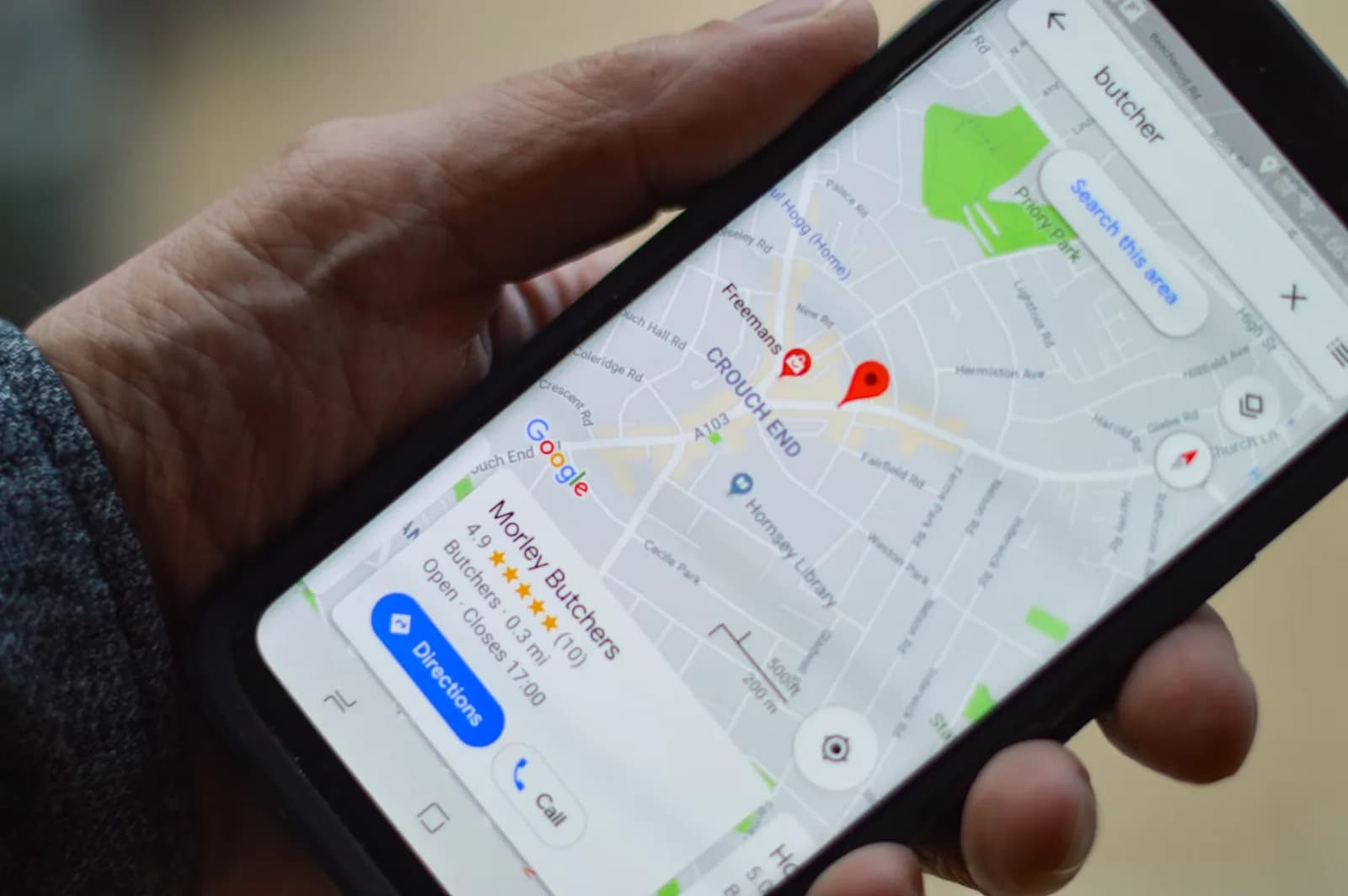
Google Maps has become an essential discovery channel for local businesses. Customers looking for restaurants, beauty salons, insurance agencies, law offices, car rental companies, technical services and other businesses in Tokat frequently begin their search on Google. As a result, having your Google Business Profile suspended or disabled can significantly affect your online visibility. Google states that Business Profiles that do not comply with its guidelines may be suspended or disabled. Eligible businesses can request reinstatement through Google’s official appeal process.
Why Can a Google Business Profile Be Suspended?
There is no single reason that applies to every suspension.
Google expects businesses to represent themselves online in the same way they are represented in the real world.
Your business name, address, service area and categories should accurately describe your operation. Google also recommends maintaining only one profile per business location.
Common areas businesses should review include:
- Keyword stuffing in the business name
- Using an inaccurate address
- Listing a virtual office as a real business location
- Selecting inaccurate categories
- Creating duplicate profiles
- Incorrectly configuring a service area
- Operating a business that is not eligible for a Business Profile
- Violating fake engagement policies through artificial reviews
Is Your Business Eligible for a Google Business Profile?
Not every type of business qualifies.
Google’s general eligibility rule is that businesses should make in-person contact with customers during their stated hours.
Examples of businesses that may not qualify include online-only businesses, lead-generation companies and individual rental or for-sale properties.
Before appealing a suspension, it is therefore important to verify that your business is actually eligible.
Prepare Supporting Documents Before You Appeal
Google recommends preparing documents that demonstrate that your business is legitimate and that its information matches the profile.
Examples include:
- Official business registration
- Business licence
- Tax certificates
- Electricity bills
- Phone bills
- Water bills
- Internet bills
The business name and address shown on the documents should match the information on the Google Business Profile.
How Does the Google Business Profile Appeal Process Work?
Google provides an official Business Profile Appeals Tool.
After signing into the Google Account associated with the affected profile, you can select the suspended business and review information related to the moderation action.
The tool may display:
- The restricted profile
- The reason for the action
- A link to the relevant policy
You can then submit an appeal and, when prompted, add supporting evidence.
One important detail is timing.
Google states that once the evidence form is opened, the evidence must be submitted within 60 minutes to be attached to the appeal.
Preparing your documents beforehand can therefore make the process easier.
Do Not Create a New Profile
Creating another Business Profile immediately after a suspension may seem like a quick solution.
It is not recommended.
Google specifically advises businesses not to create a new Business Profile for the same business while an appeal is under review.
The better approach is to identify and resolve the issue affecting the existing profile.
Avoid Repeated Appeals
After submitting your appeal, wait for Google’s decision.
Google advises users not to submit multiple appeals for the same issue before a decision has been made.
The appeal tool can show statuses including:
- Submitted
- Approved
- Not Approved
- Can’t be appealed
- Eligible for appeal
If an initial reinstatement request is denied, Google may allow an additional review where further evidence can be provided.
Avoid Artificial Google Reviews
Reviews are valuable for local businesses, but attempting to artificially increase them can create additional risk.
Google’s Fake Engagement policy covers fake or incentivized reviews.
When Google determines that a business has violated this policy, restrictions may include temporarily preventing the profile from receiving new reviews, unpublishing existing ratings or displaying a warning to customers.
Businesses should therefore focus on obtaining genuine feedback from real customers.
Google Business Profile Checklist for Businesses in Tokat
Regularly review the following information:
- Does the business name match your real-world branding?
- Is the address correct?
- Is your phone number current?
- Does your website URL work?
- Is the primary category accurate?
- Are opening hours up to date?
- Is your service area configured correctly?
- Are there unnecessary duplicate profiles?
- Are your reviews genuine?
Accurate information improves both policy compliance and customer experience.
Combine Google Maps With Your Website and Local SEO
Google Maps should not be treated as an isolated marketing channel.
A stronger local digital strategy combines:
Google Business Profile + professional website + local SEO + genuine customer reviews + social media
Kayber Software already publishes guides covering Google visibility, customer reviews and local SEO for businesses in Tokat, so these resources can naturally be internally linked together.
Restaurants and cafés can also connect this journey with KBMenu, allowing customers who discover the business through Google to access a QR/NFC digital menu.
Appointment-based businesses can integrate online booking, while other service businesses may use WhatsApp, quote forms, CRM solutions or custom software to convert local search traffic into real customer enquiries.
Frequently Asked Questions
Why was my Google Business Profile suspended?
Possible causes include incorrect business information, policy violations, inaccurate addresses, keyword stuffing or operating a business that does not meet Google’s eligibility requirements.
Can a suspended Google Business Profile be reinstated?
Eligible businesses can use Google’s official appeal process to request reinstatement. Google makes the final decision.
What documents can I submit with an appeal?
Google lists business registration documents, licences, tax certificates and utility bills such as electricity, phone, water or internet bills as examples of supporting evidence.
Should I create a new profile after a suspension?
No. Google advises businesses not to create another profile for the same business while an appeal is being reviewed.
Can an agency manage my Google Business Profile?
Yes. Owners can grant management access to authorized representatives, but the profile must continue to accurately represent the real business.
Conclusion
A suspended Google Business Profile can significantly reduce the visibility of a local business in Tokat.
Instead of immediately creating a new profile or repeatedly editing business information, businesses should review Google’s guidelines, correct inaccurate information, prepare supporting documentation and use the official appeal process.
At Kayber Software, we help businesses in Tokat and surrounding districts improve their digital presence through Google Business Profile optimization, local SEO, professional website development, social media integration, QR/NFC solutions, KBMenu and custom business software.
Building your digital presence across multiple channels rather than relying entirely on Google Maps creates a stronger and more sustainable foundation for long-term local growth.
